Spend tokens
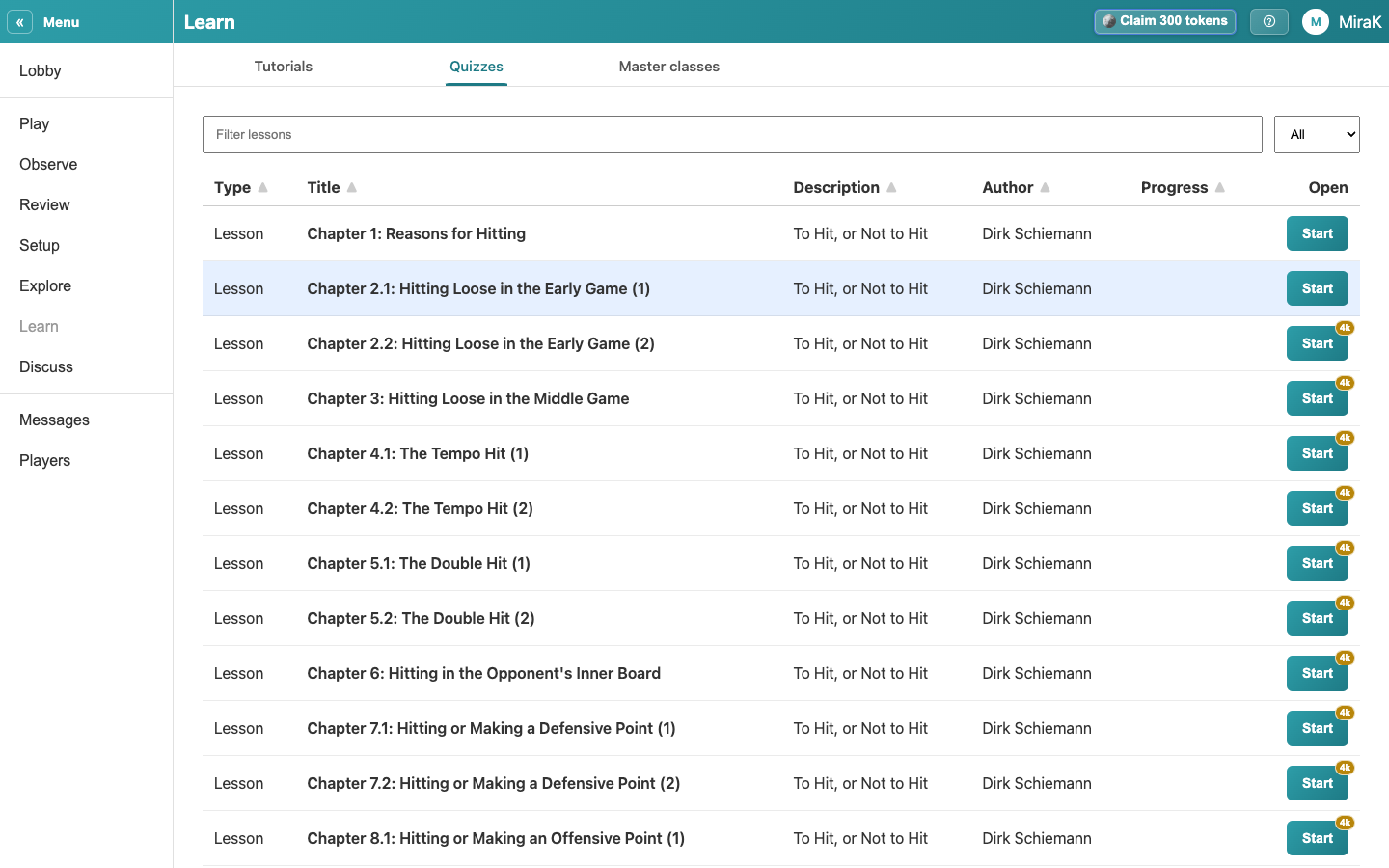
A premium feature shows its price in tokens on its button. Anything dearer than your threshold asks you before it costs anything. Here you buy a premium quiz chapter.
- Open Learn from the Lobby.
- On a phone: open Learn from the bar at the bottom.
- Premium quiz chapters show their price in tokens on the Start button. You pay once; the chapter stays yours, on every device.
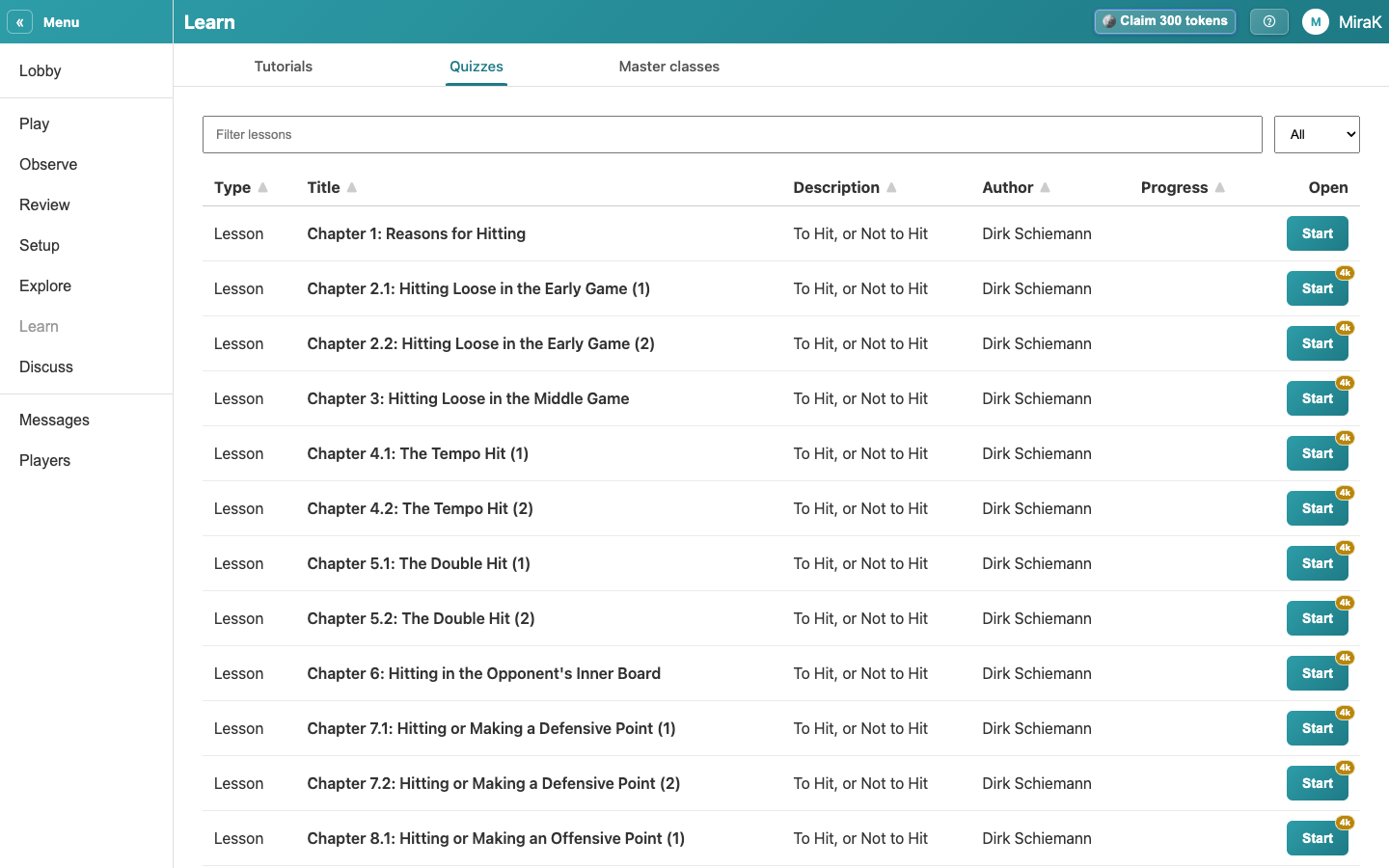
- Start a premium chapter.
- Before anything costs more than your threshold, Choue asks. The second line shows the price and your balance before and after.
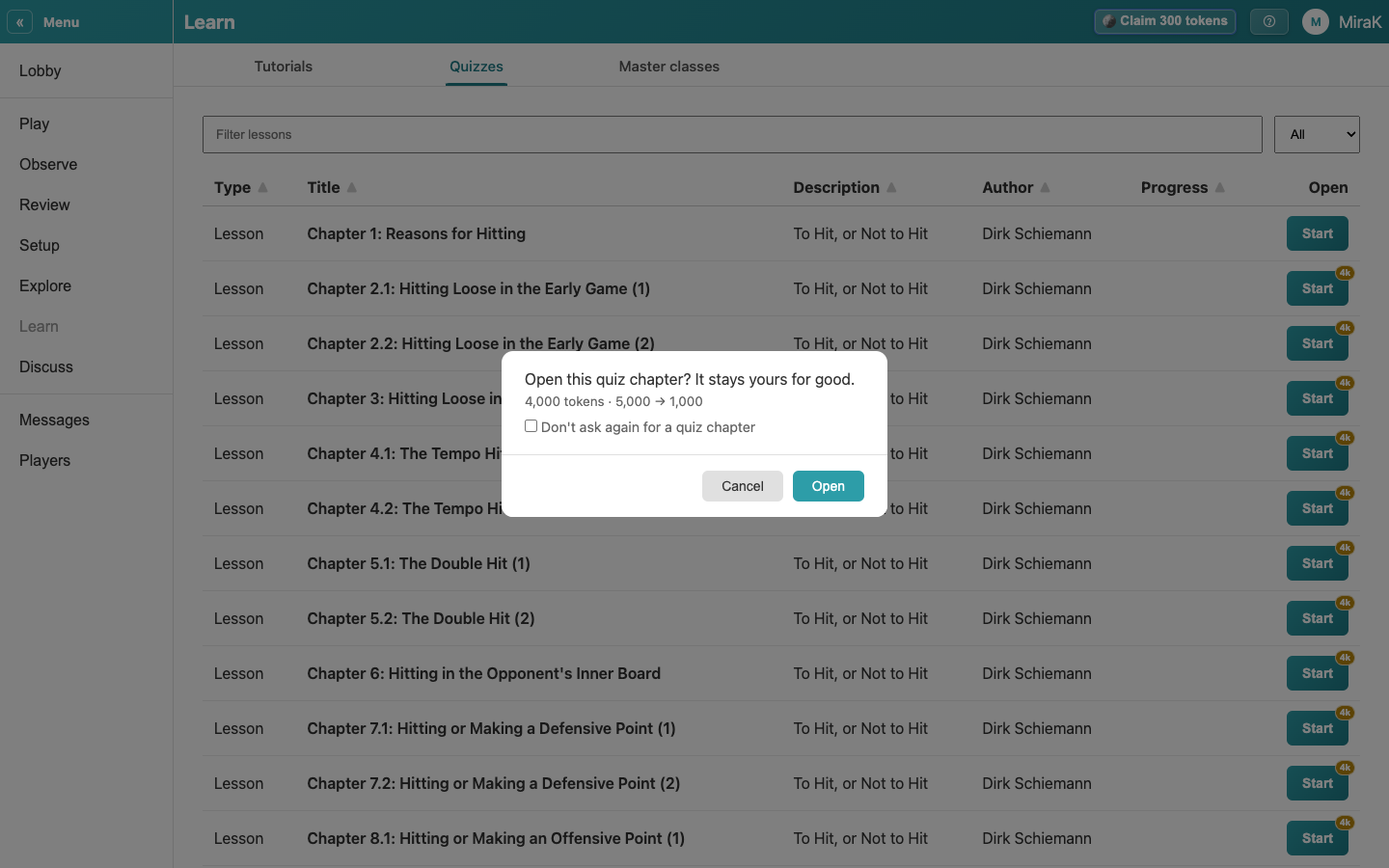
- Tick Don't ask again to stop being asked for this kind of action; the shop's Ask again brings the question back.
- Open pays and starts the chapter. With too few tokens, the shop opens instead.
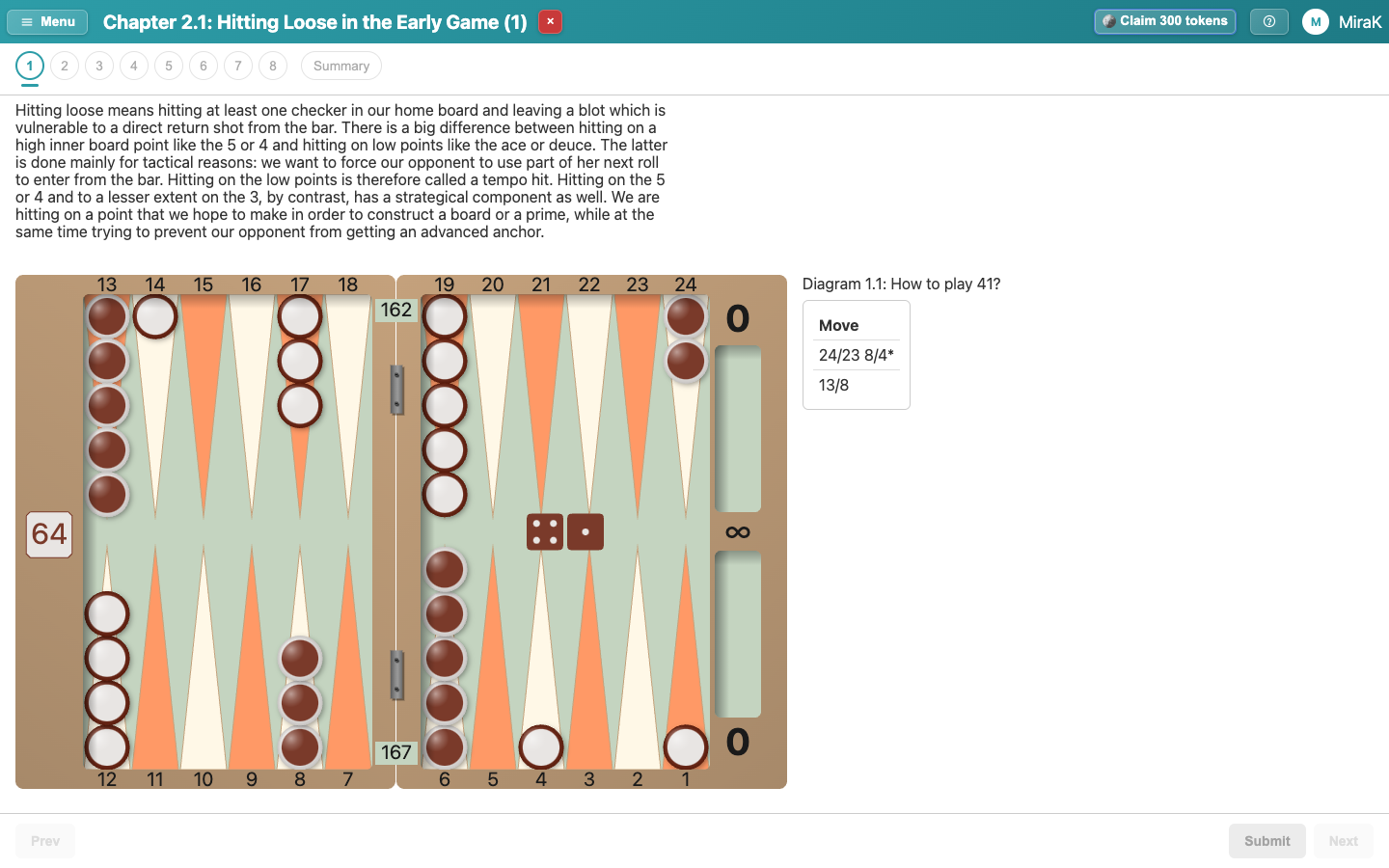
- Close the chapter. Its price is gone from the Start button.
Your threshold is set in Tokens & Membership.