
Find help
Help is always one click away: Learn's Tutorials hold this guide, and the ? at the top searches it from anywhere.
- Open Learn from the Lobby. It opens on Tutorials, this guide.
- On a phone: open Learn from the bar at the bottom. It opens on Tutorials, this guide.
- Each chapter covers a part of Choue. Quick start is the shortest way in.
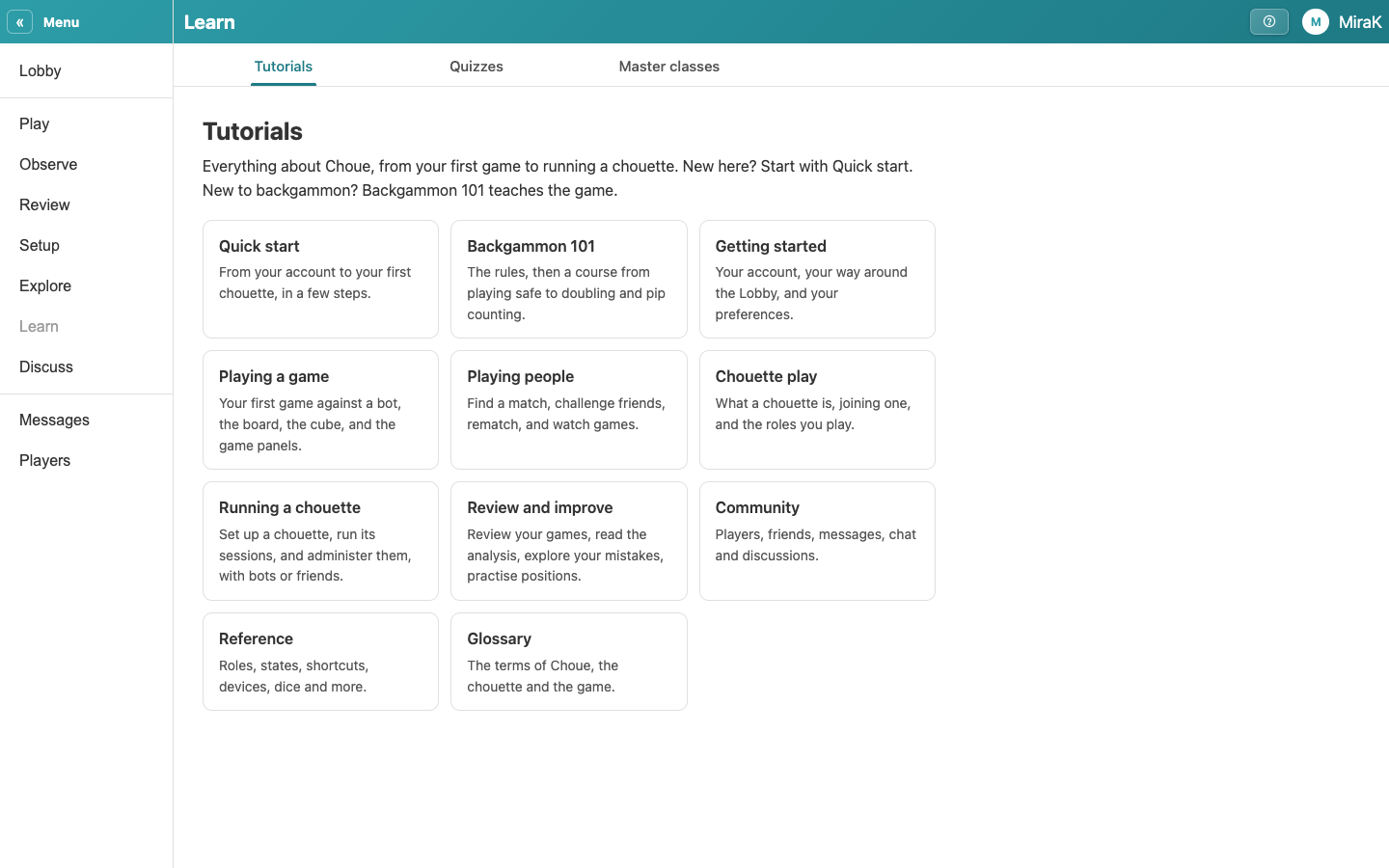
- A chapter lists its sections.
- A section lists its pages.
- A page explains one thing, with screenshots or boards. A word underlined with dots is in the glossary; point at it to see what it means.
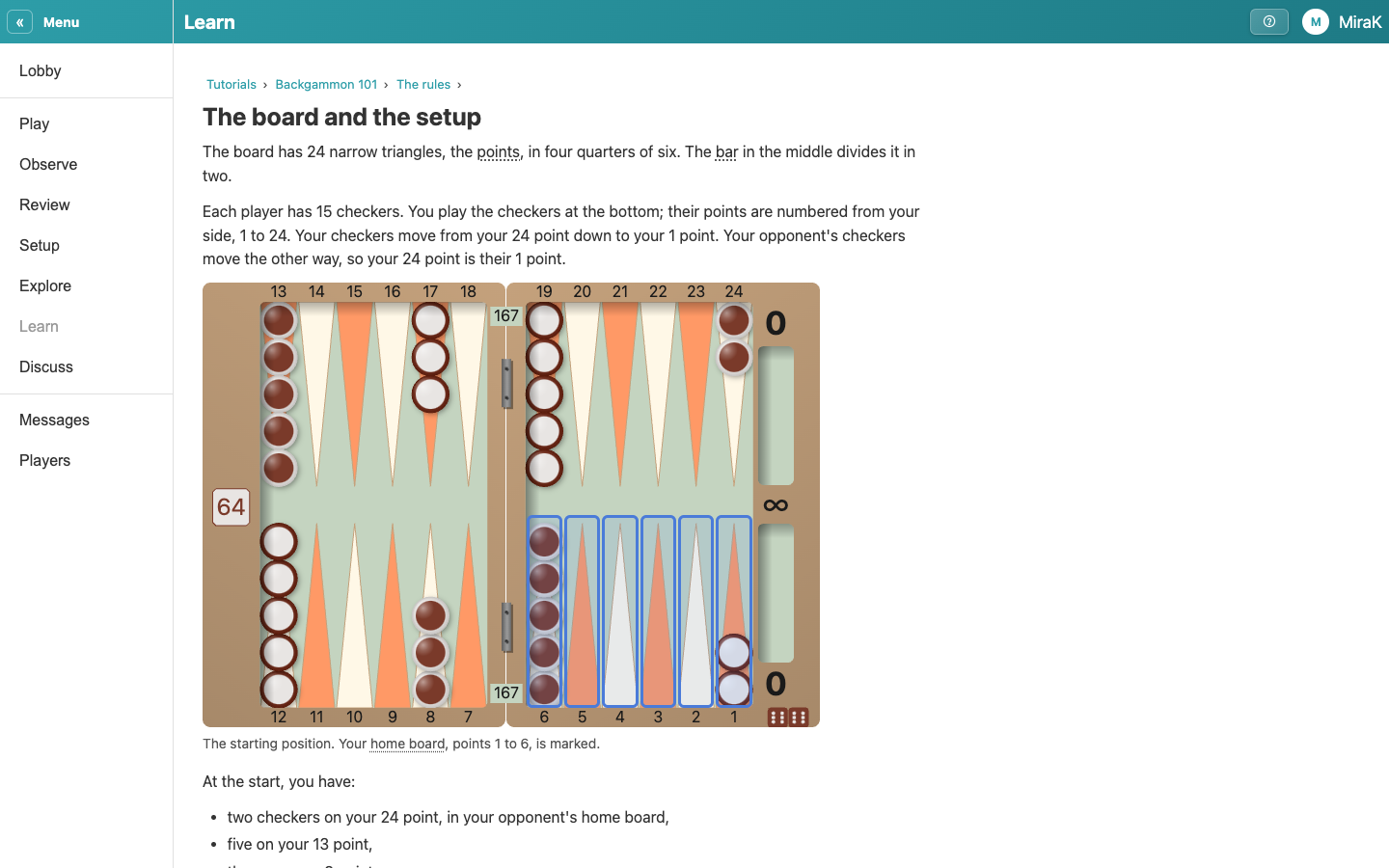
- Next goes on to the next page, so a chapter reads like a book. The path at the top goes back up.
- The ? at the top opens help wherever you are, also during a game. It starts with the pages about the page you are on.
- Type to search every page.
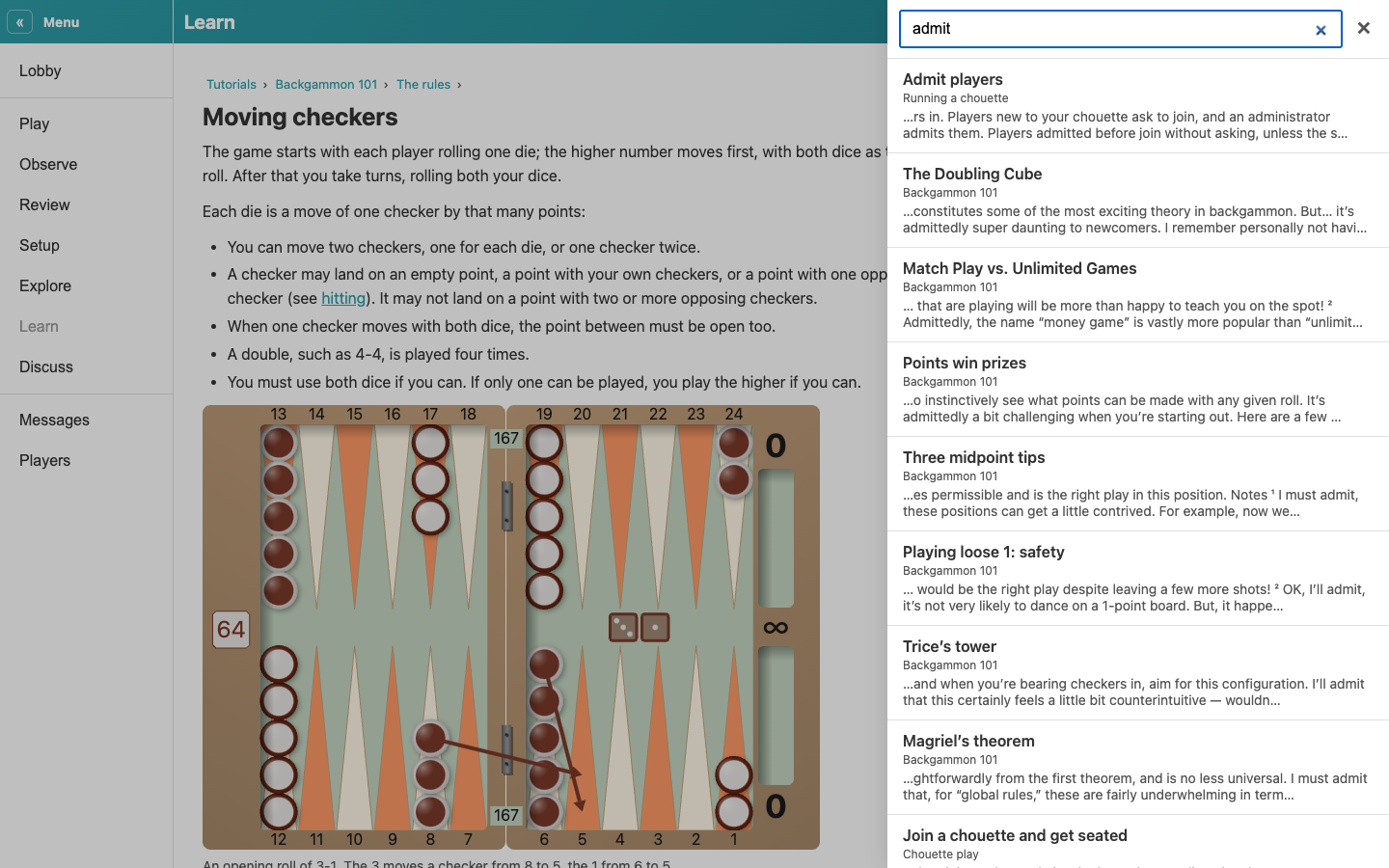
- A result opens in the panel, so you stay where you were. Open in Learn shows it in Learn instead.
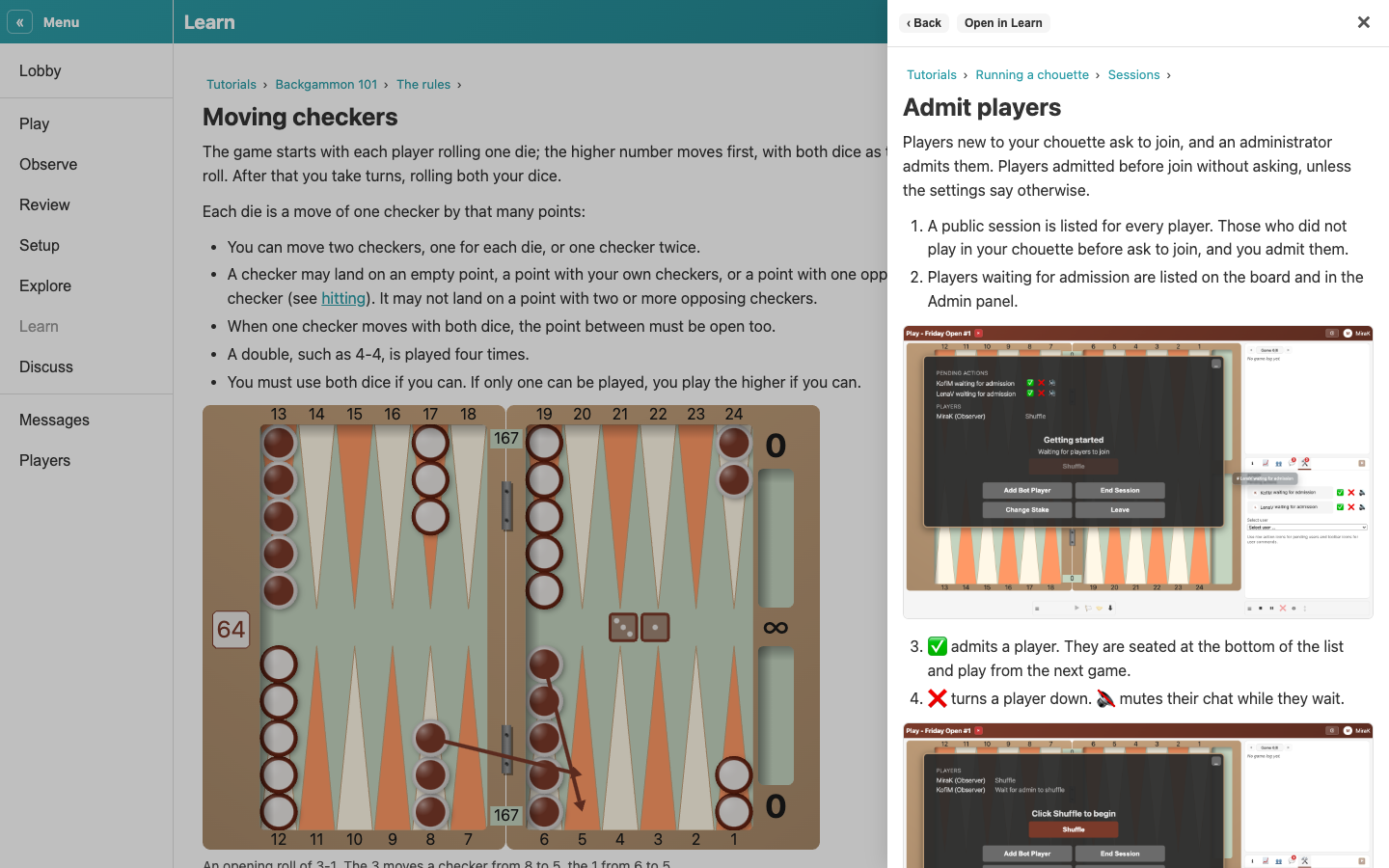
- × closes the panel.