
Find your way around the Lobby
The Lobby is the start page of Choue. Its tiles lead to every area, and they count what is new there.
- The Lobby is where you start. Each tile opens an area of Choue.
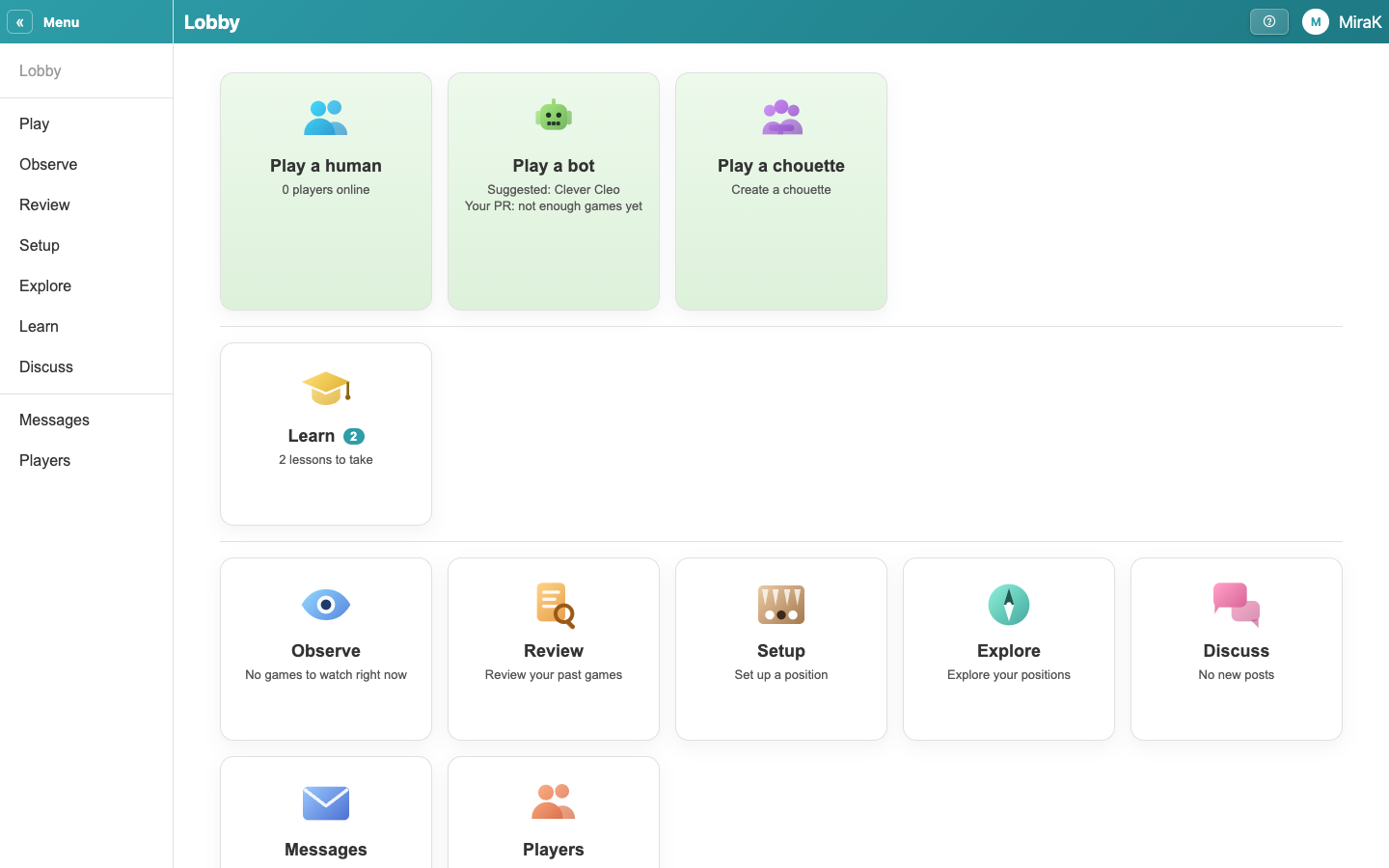
- Play a human finds you an opponent, or challenges a friend. It shows how many players are online.
- Play a bot starts a match against a bot of the strength you choose. It suggests one close to your level.
- Play a chouette joins a chouette, or starts your own.
- A number on a tile counts what is new there, such as lessons you have not taken. Tiles with something new come first.
- Players finds other players and friends, and shows your friend requests.
- On a phone: the bar at the bottom goes to Learn, your messages and Players, and back Home to the Lobby. A number on it counts what is new there.
- The menu on the left goes to every area. « folds it away, and the Menu button takes its place.
- On a phone: menu goes to every area.
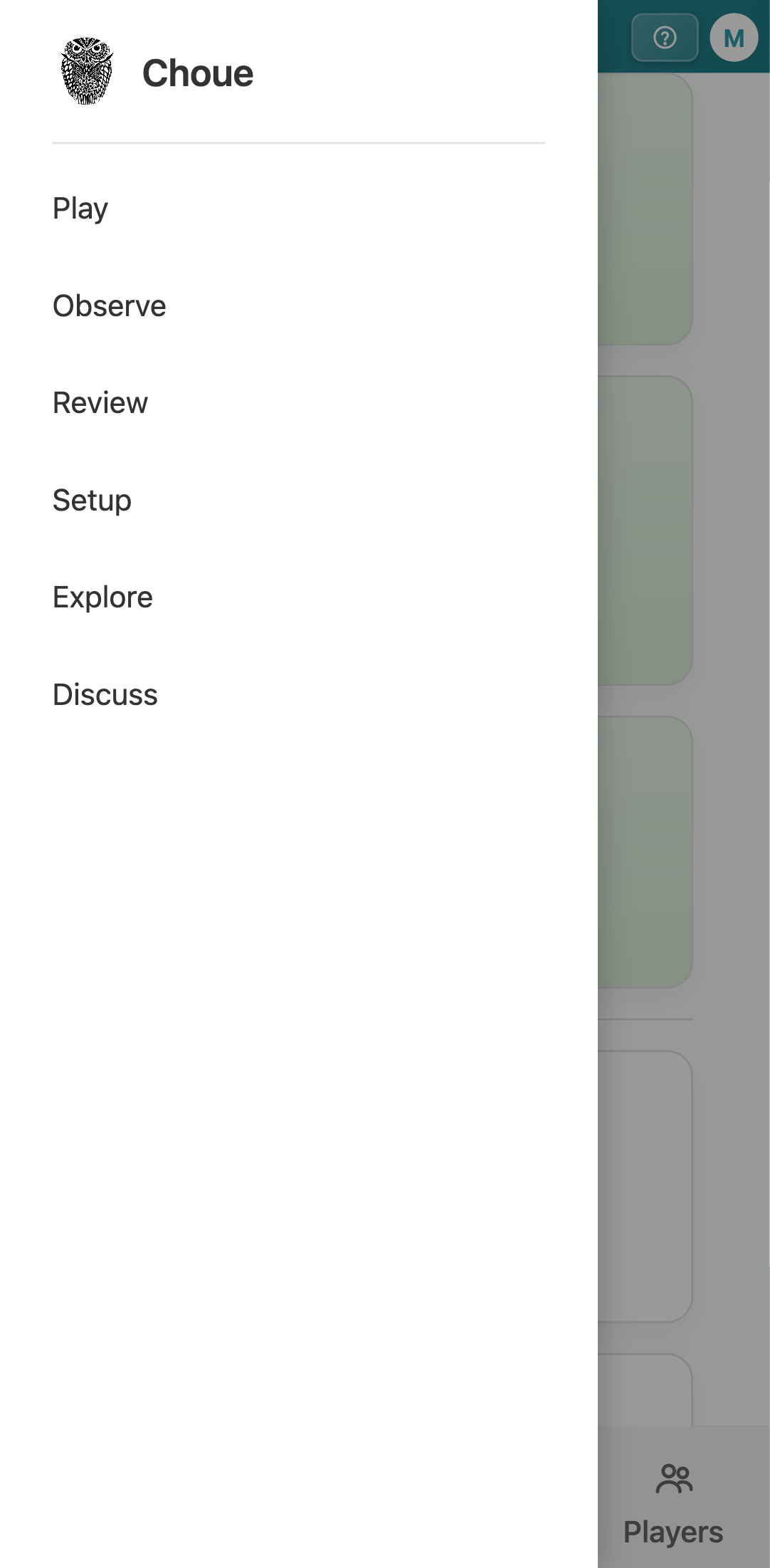
- On a phone: tap outside the menu to close it.
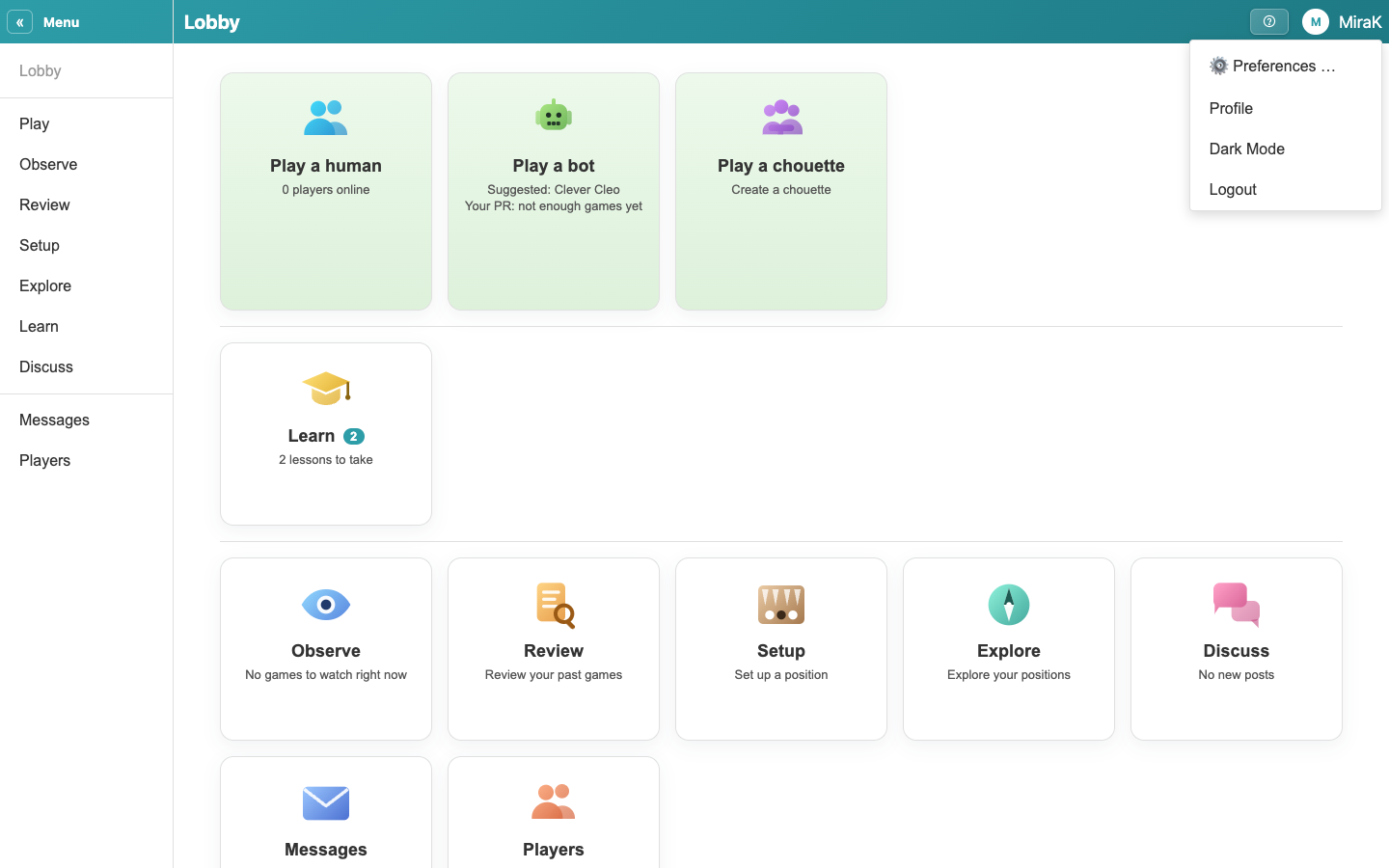
- Your name opens the account menu, with Preferences, your profile, light or dark mode, and Logout.
- When something new comes in, such as a challenge, a message or a friend request, an icon with a number appears next to your name. On a phone, the numbers are on the bar at the bottom and on the Menu button.
- If the connection drops, a banner says so and Choue reconnects by itself.