
Build and save a query
A query decides which positions Explore lists. Build your own and save it.
- ✎ opens the query in the editor. It works on a copy, so the results stay as they are until you run it.
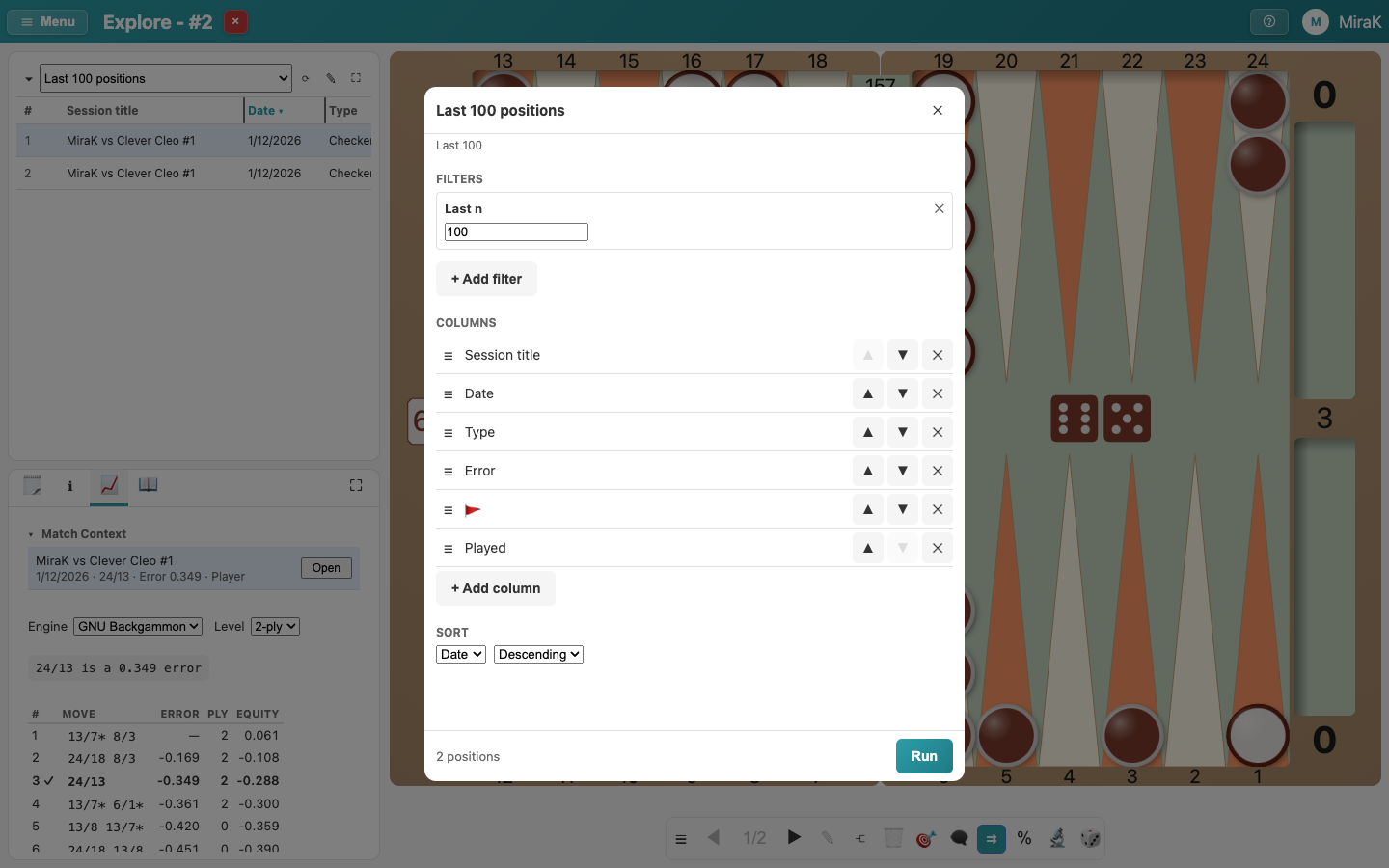
- Each filter narrows the positions listed. ✕ removes one.
- Add filter lists the filters not used yet.
- Error range lists the positions with an error in the range, here 0.3 or more. The count at the bottom shows how many there are.
- Columns chooses what the result list shows, and in which order.
- Sort the biggest errors first.
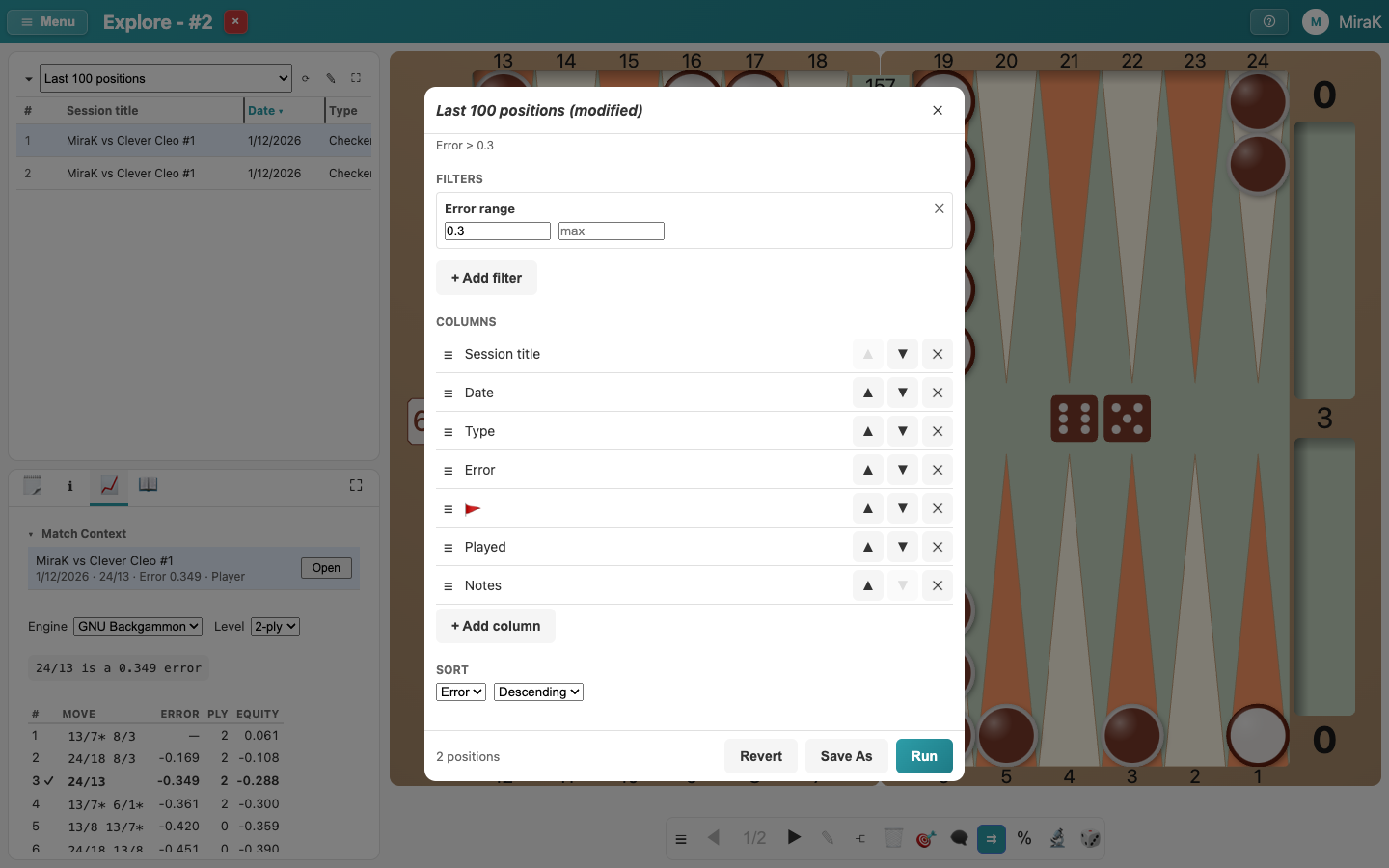
- Last 100 positions is a predefined query, so Save As keeps your changes as a query of your own.
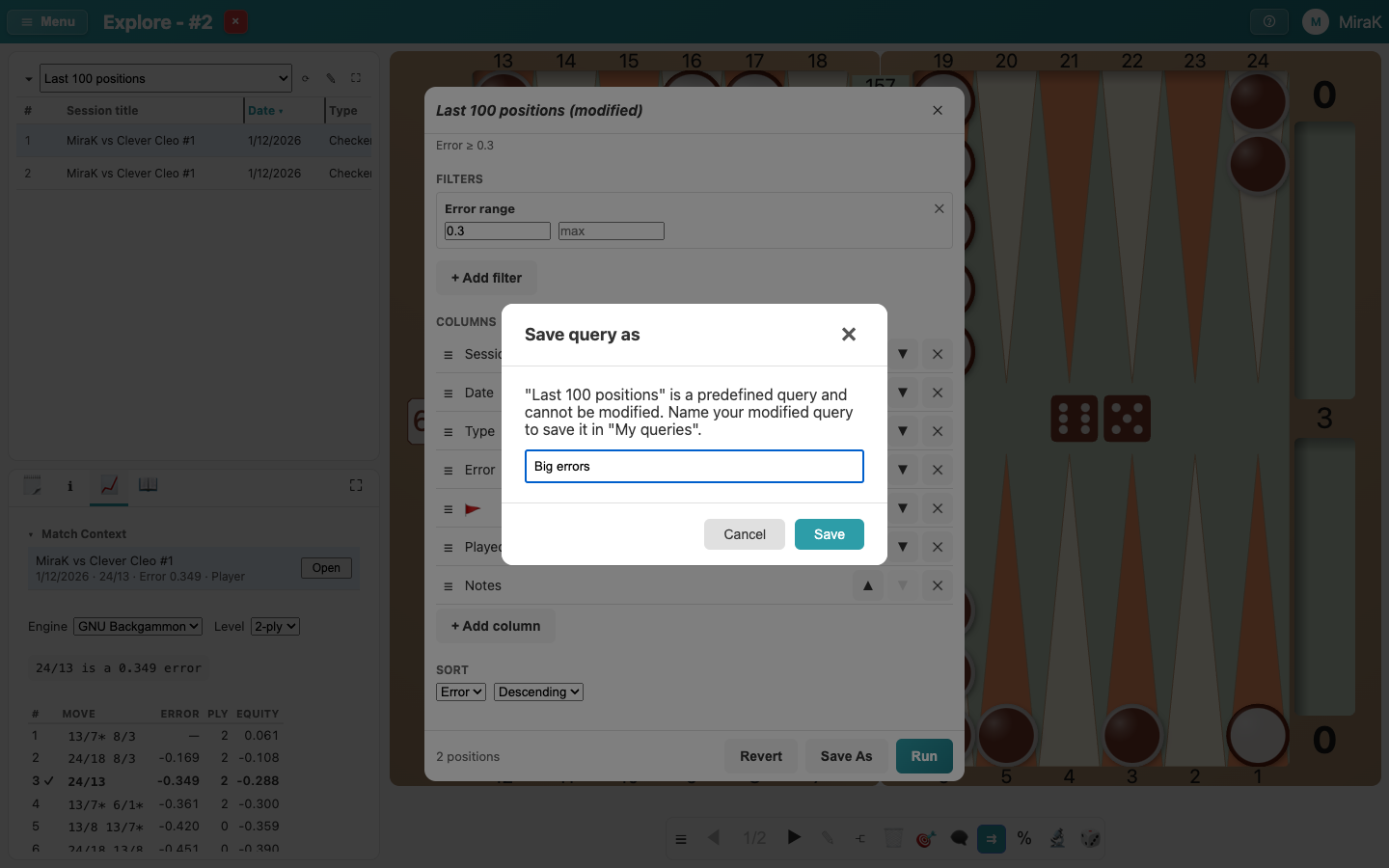
- Saving runs the query and adds it to My queries in the list above the results.
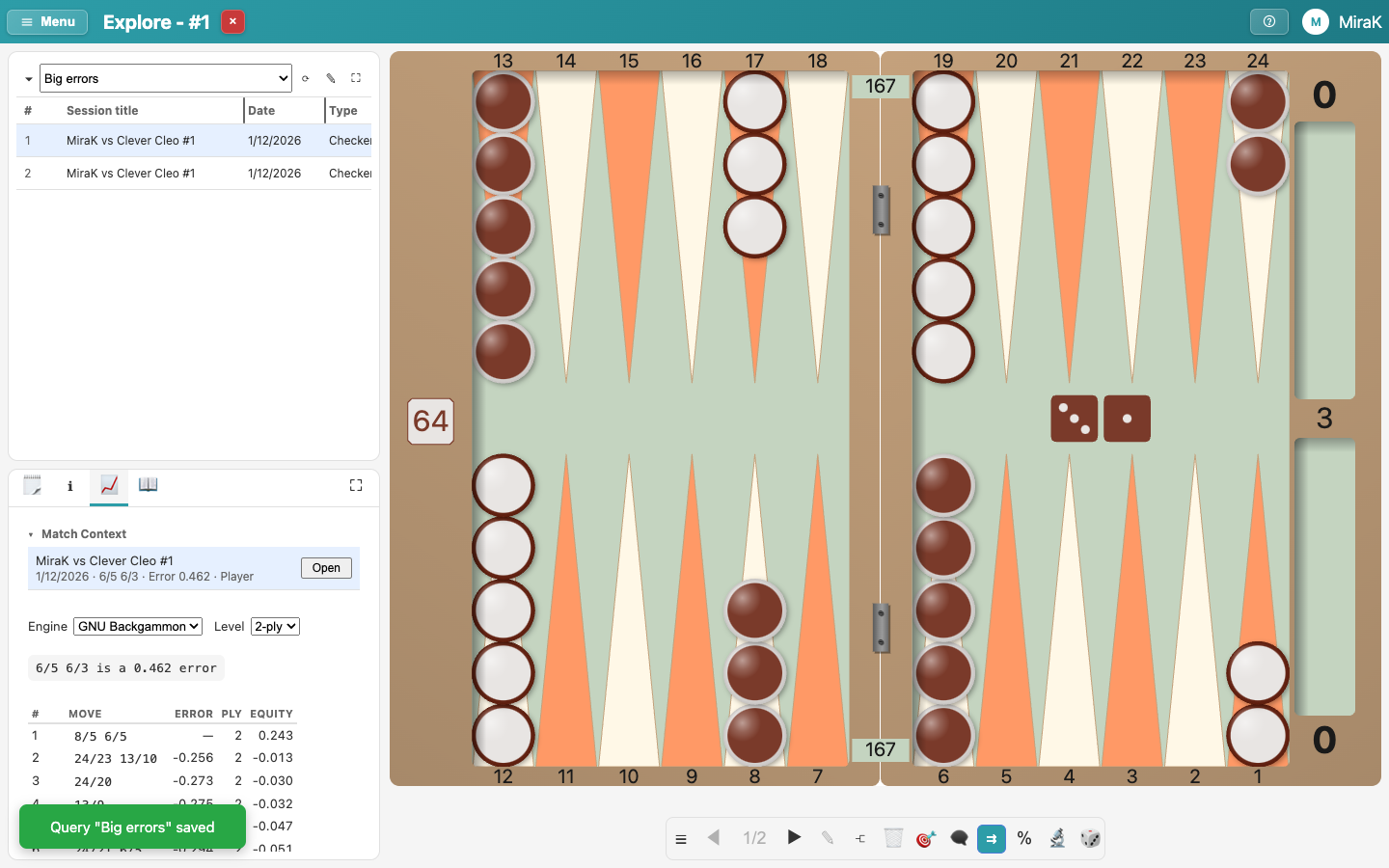
- Rename and Delete are in the editor of your own queries.